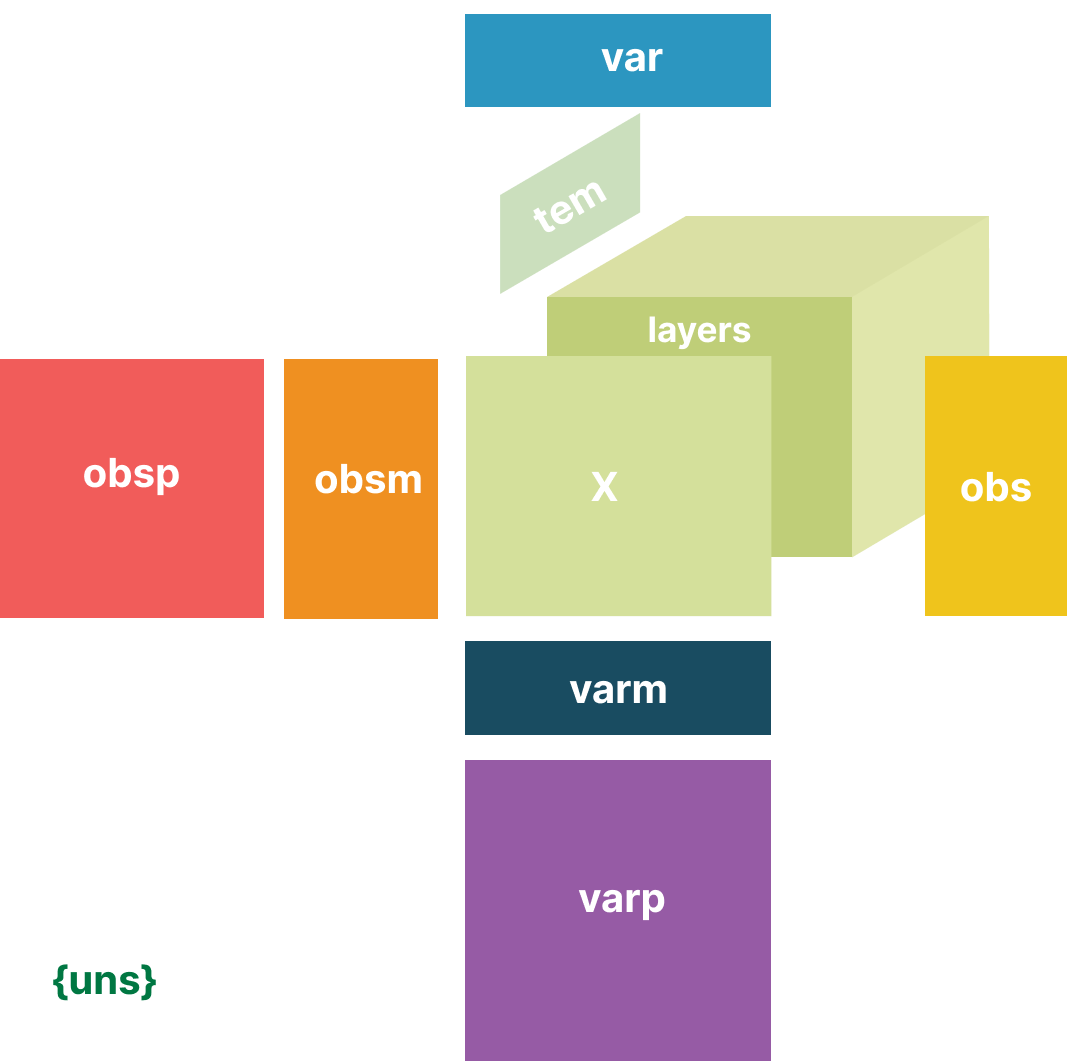
ehrdata.io.read_h5ad#
- ehrdata.io.read_h5ad(filename, *, backed=None, harmonize_missing_values=True, cast_variables_to_float=True)#
Read a hdf5 (h5ad) file into an
EHRDataobject.- Parameters:
- filename
Path|str Path to the file or directory to read.
- backed
Literal['r','r+'] |bool|None(default:None) If ‘r’, load
EHRDatain backed mode instead of fully loading it into memory (memory mode). If you want to modify backed attributes of theEHRDataobject, you need to choose ‘r+’. Currently, backed only support updates toX. That means any changes to other slots like obs will not be written to disk in backed mode. If you would like save changes made to these slots of a backed EHRData, write them to a new file (seewrite_h5ad()).- harmonize_missing_values
bool(default:True) Whether to call
ehrdata.harmonize_missing_valueson all detected layers. Cannot be called ifbacked.- cast_variables_to_float
bool(default:True) For non-numeric arrays, try to cast the values for each variable to dtype
np.float64. If the cast fails for the values of one variable, then the values of these variable remain unaltered. This can be helpful to recover arrays that were of dtypeobjectwhen they were written to disk. Cannot be called ifbacked.
- filename
- Return type:
Examples
>>> import ehrdata as ed
>>> edata = ed.dt.mimic_2()
>>> ed.io.write_h5ad("mimic_2.h5ad", edata)
>>> edata_2 = ed.io.read_h5ad("mimic_2.h5ad")